


Sensitive file detection
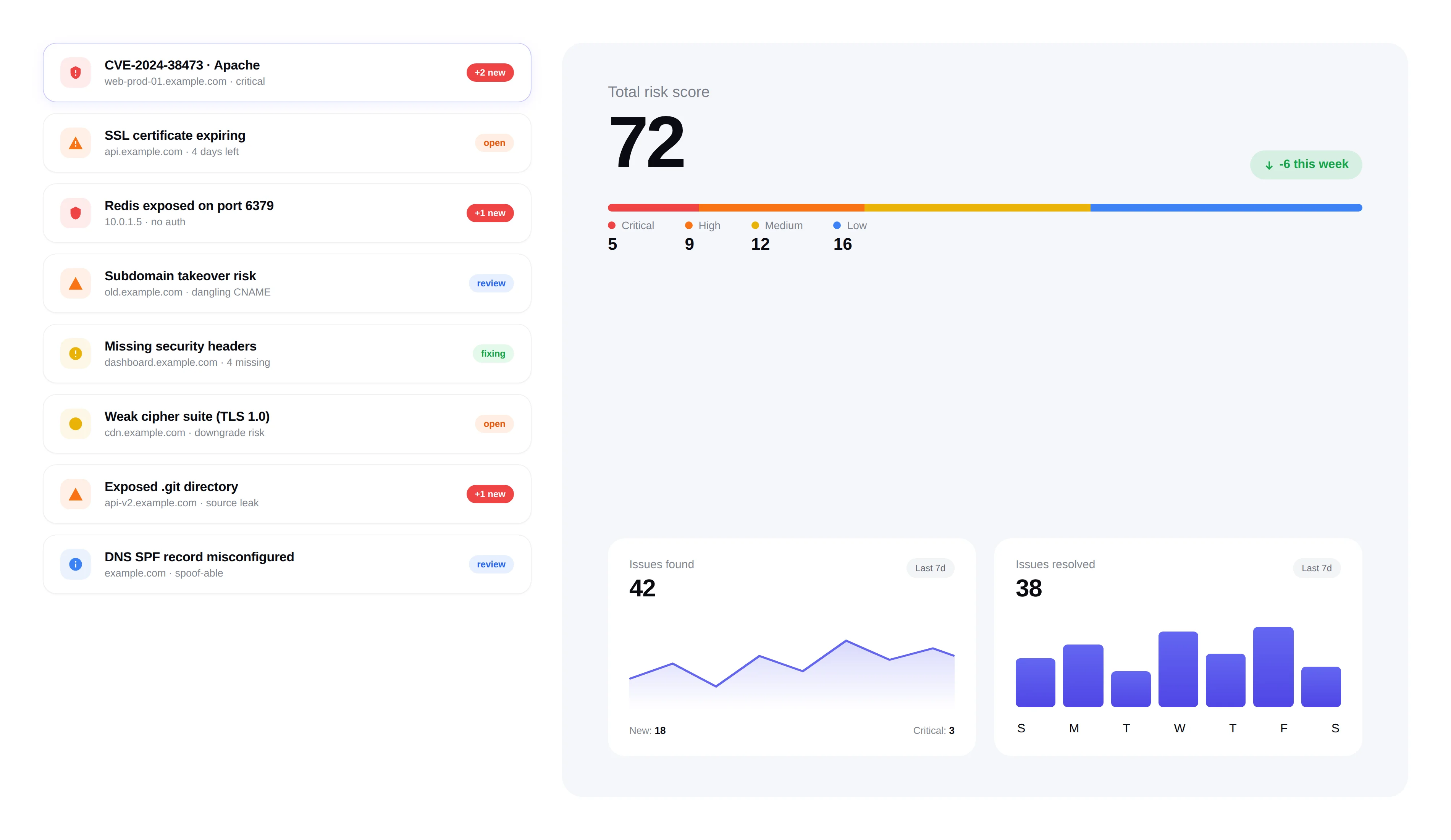
Exposed admin panels, backups, and config files are the first thing attackers look for. FortWatch probes 117+ sensitive paths on every target — before someone else does.
117+ paths · .env · .git · Backups · Admin
Exposed files
5 findings · 3 critical
.env
api.example.com
Critical14m ago.git/config
staging.example.com
Critical3h agobackup.sql
legacy.example.com
Critical1d agoadmin.php.bak
legacy.example.com
High1d agodatabase.yml.old
portal.example.com
High2d ago
What we detect
FortWatch probes for the files and directories that attackers check first — exposed backups, admin interfaces, configuration files, and debug endpoints.
Admin Panels
WordPress admin, phpMyAdmin, cPanel, Webmin, and 30+ admin paths.
Backup Files
Database dumps (.sql), archive files (.zip, .tar.gz), and full-site backups.
Configuration Files
.env files, wp-config.php, application.yml, and other secrets.
Debug Endpoints
Stack traces, phpinfo(), server-status, and error logs.
How it works
Every web scan includes a comprehensive sensitive file check. FortWatch sends targeted HTTP requests to 117+ known sensitive paths and analyzes the responses.
Non-intrusive HTTP HEAD and GET requests only
Response analysis distinguishes real files from generic 404 pages
Content-type and body inspection to confirm actual exposure
Zero false positives from custom 404 pages or WAF blocks
Why this matters
A single exposed .env file can leak database credentials, API keys, and secrets. These are the vulnerabilities that lead to full compromises — and they're trivially easy for attackers to find.
Exposed credentials are the #1 initial access vector in breaches
Automated tools scan for these files continuously across the internet
Most teams don't know these files are accessible until it's too late
Integrated remediation
Every sensitive file finding includes specific instructions on how to block access — whether through web server configuration, .htaccess rules, or cloud storage policies.
File-specific remediation instructions
Web server configuration examples (Nginx, Apache)
Severity rating based on content sensitivity
Automatic issue creation for tracking
Frequently asked questions
Answers to the most common questions about how FortWatch detects exposed files and what to do when it finds one.
Which file types does FortWatch check for exposure?+
FortWatch probes 117+ sensitive paths across four categories: configuration files (.env, wp-config.php, application.yml, config.php, appsettings.json), version control artifacts (.git/config, .git/HEAD, .svn/, .hg/), backup archives (.sql, .zip, .tar.gz, .bak, .old, database dumps), and admin or debug endpoints (phpMyAdmin, WordPress admin, phpinfo(), server-status, stack traces). The list is curated from real breach post-mortems and updated as new path patterns emerge in the wild.
How does the check work without downloading the files?+
FortWatch sends targeted HTTP HEAD and small GET requests to each known path and inspects the response metadata — status code, content-type, content-length, and a short body preview. That's enough to distinguish a real exposed .env from a custom 404 page or a WAF block, without pulling down secrets or large archives. No credentials, payloads, or file contents are stored — only the fact that the path is accessible and what kind of file it appears to be.
Why is an exposed .env file such a serious risk?+
A .env file typically holds database credentials, third-party API keys, encryption keys, mail server passwords, and OAuth secrets for an entire application. One accidentally committed or deployed .env has been the initial access vector in dozens of public breaches. Attackers run automated scanners against the whole internet looking specifically for this file — if it's reachable at yoursite.com/.env, assume it was found within hours of being exposed.
What's the risk of an exposed .git directory?+
An exposed .git directory lets an attacker reconstruct your entire source code history, including deleted commits that still contain credentials, internal hostnames, and business logic. Tools like git-dumper automate the extraction in minutes. FortWatch checks for .git/config, .git/HEAD, and .git/index specifically because those are the files that confirm a full repository is accessible, rather than just a stray file.
Does FortWatch detect exposed backup files?+
Yes. Backup files are one of the highest-value targets for attackers because they often contain a full snapshot of the application and database. FortWatch checks for common backup patterns (database.sql, backup.zip, site.tar.gz, wp-content backups, and filename.ext.bak variants), as well as exposed cloud storage index pages. A single exposed SQL dump can leak every user record in your system.
Can the scanner catch leaked API keys in config files?+
The scanner's first job is confirming the config file is publicly reachable — that's already a critical finding on its own. FortWatch's response-body inspection also flags file types known to contain secrets (JSON configs, YAML, .env formats) so you can prioritize them over static asset exposure. Credential rotation is part of the remediation guidance attached to every finding.
What should I do immediately if FortWatch finds an exposed sensitive file?+
Treat it as a live incident. Block access at the web server or CDN (nginx location rule, Apache .htaccess, or Cloudflare WAF rule), then rotate every secret the file could have contained — database passwords, API keys, OAuth tokens, encryption keys. Assume the file has already been indexed by attacker scanners. FortWatch attaches a severity-specific remediation playbook with nginx and Apache examples to every finding so you can move in minutes, not hours.
What's the false positive rate on sensitive file findings?+
Very low. FortWatch's response analysis looks beyond the HTTP status code — it inspects content-type, body length, and body fingerprints to distinguish a real exposed file from a soft-404 page, a WAF challenge, or a generic catch-all route. Custom 404 pages that return HTTP 200 are the most common source of noise in naive scanners, and FortWatch's content inspection is built specifically to filter them out.
Explore more of FortWatch
Every feature runs on one platform and shares the same data. Jump to another, or see the full set.
Scanning & discovery
Secure your entire stack today
Start scanning in under 5 minutes. No credit card required. 7-day free trial included.