


Security reporting your stakeholders actually read
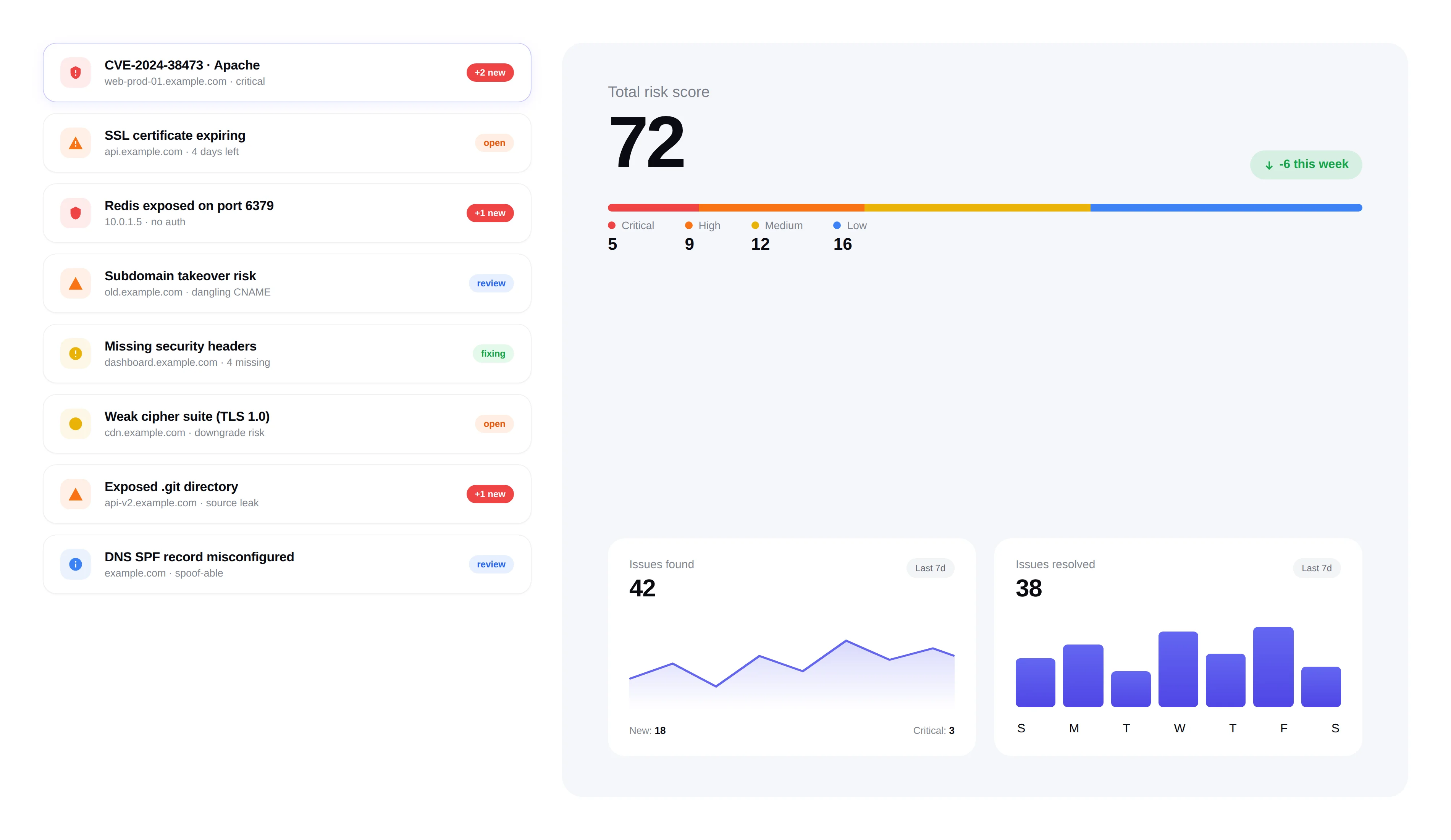
Generate professional security reports for stakeholders, auditors, and clients — executive summaries, technical findings, and compliance docs. PDF, CSV, and white-label options.
Compliance-ready: SOC 2 · ISO 27001 · PCI DSS · HIPAA · NIST CSF
Reports
Q1 2026 executive report ready
FortWatch
Q1 2026 Security Posture Report
Example Corporation · Jan 1 – Mar 31, 2026
142
Total findings
89
Remediated
12
Critical open
Report types
Generate the right report for the right audience. From high-level executive summaries to detailed technical findings, FortWatch has you covered.
Executive Summary
High-level overview with threat level, key metrics, and trends.
Detailed Findings
Complete list of vulnerabilities with evidence and remediation steps.
Compliance Report
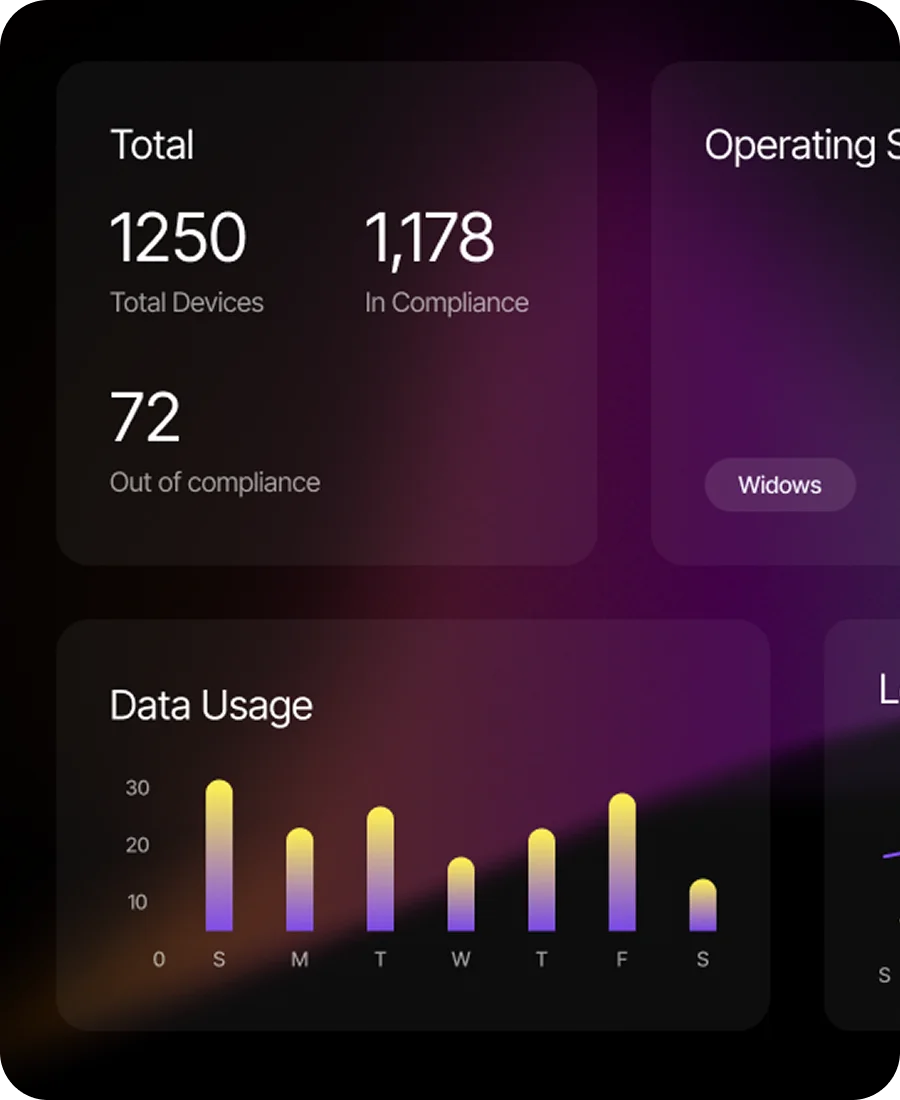
Framework-aligned reports for SOC 2, ISO 27001, and other standards.
Export formats
Export your security data in the format that works for your workflow. Professional PDFs for stakeholders, CSVs for data analysis, JSON for pipelines.
Professionally formatted reports ready to share with clients and executives.
Raw data exports for custom analysis, spreadsheets, and integrations.
Structured exports for pipelines, ticketing integrations, and custom dashboards.
More reporting power
White-label delivery, automated scheduling, and audit-ready evidence — handled, so reporting never becomes a manual chore.
White-label reporting
For managed security providers and consultancies, add your own branding to reports. Deliver professional results under your company name.
- Custom logo and company branding on all reports
- Customizable report templates and cover pages
- Ideal for MSPs delivering security services to clients
Scheduled reports
Set up reports to generate and deliver automatically. Weekly security summaries, monthly compliance reports — on autopilot.
- Auto-generate reports on a weekly or monthly schedule
- Email delivery to stakeholders and distribution lists
- Archive of all generated reports for historical reference
Audit-ready documentation
Every report includes timestamps, evidence, and a complete audit trail. Be ready for compliance audits at any time.
- Timestamped evidence for every finding
- Remediation history showing when issues were fixed
- Compliance mapping to industry frameworks
Frequently asked questions
Answers to the most common questions about security reports, exports, and compliance.
What report formats does FortWatch support?+
FortWatch generates reports in PDF, CSV, and JSON. PDFs are professionally formatted for executives, clients, and auditors. CSV exports are designed for spreadsheet analysis, BI tools, and bulk workflows. JSON exports are structured for programmatic use — pipelines, ticketing integrations, and custom dashboards. Every finding, asset, and remediation record is available in all three formats.
Can I schedule reports to run automatically?+
Yes. Schedule executive summaries weekly, compliance reports monthly, or technical findings on any cadence you need. Each scheduled report is generated automatically, emailed to your distribution list, and archived under your workspace so stakeholders always have the latest view without you opening the app.
Does FortWatch offer white-label reports?+
Yes. MSPs, consultancies, and agencies can add their own logo, color palette, and cover page to every PDF report. Deliver results to your clients under your brand — not ours. White-label settings apply across scheduled reports, one-off exports, and audit documentation so the experience stays consistent.
What is the difference between executive and technical reports?+
Executive reports are short, visual summaries written for non-technical stakeholders — threat level, key metrics, trend lines, and high-level remediation status. Technical reports contain the full list of findings with evidence, affected assets, CVSS scores, CVE references, and step-by-step remediation guidance. Most customers send executive reports to leadership and technical reports to the engineers fixing things.
Which compliance frameworks are supported?+
FortWatch reports align to SOC 2, ISO 27001, PCI DSS, HIPAA, and NIST CSF. Each compliance report maps findings to the relevant controls and includes the timestamped evidence auditors ask for — when the issue was discovered, when it was remediated, and who took action. You hand the auditor the PDF instead of assembling it by hand.
Can I export findings as CSV, PDF, or JSON?+
Yes. Any finding list, asset inventory, or issue view in FortWatch can be exported in CSV, PDF, or JSON with a single click. Exports respect your current filters — severity, asset, date range, status — so you get exactly the slice of data you need without manual cleanup.
Do reports include my company branding?+
Yes. On every plan you can add your company logo and set the report title. On white-label plans you also control the color palette, cover page copy, footer, and email delivery template. Reports look like they came from your security team, not from a generic scanner.
Can I see historical trends across reports?+
Yes. Every scheduled report includes trend charts comparing the current period against previous ones — new findings opened, findings remediated, mean time to fix, and changes in overall risk score. The archive of past reports stays available in your workspace so you can show auditors or leadership exactly how your posture has improved over time.
Explore more of FortWatch
Every feature runs on one platform and shares the same data. Jump to another, or see the full set.
Scanning & discovery
Secure your entire stack today
Start scanning in under 5 minutes. No credit card required. 7-day free trial included.