

Ask Anything
Grounded answers from your real workspace data — issue priorities, scan history, posture overviews. If it doesn't know, it says so instead of guessing.
33 Platform Tools
Assets, scans, issues, schedules, team & more
An agentic assistant with full control of FortWatch — ask about your attack surface, launch scans, triage issues, and manage your whole workspace in plain English.

Grounded answers, real actions, and guardrails you can audit — in the same chat.
Grounded answers from your real workspace data — issue priorities, scan history, posture overviews. If it doesn't know, it says so instead of guessing.
33 Platform Tools
Assets, scans, issues, schedules, team & more
Don't just learn what's wrong — fix it from the chat. Launch scans, set schedules, assign issues, and invite teammates with one message.
This chat
“Scan api.example.com and assign anything critical”
Full scan started — api.example.com
Weekly schedule created — Mondays 09:00
Issue assigned — exposed .env file
Awaiting your confirmation — bulk dismiss
Every tool is scoped to your workspace, destructive actions need confirmation, and every AI call is logged with full audit detail.
Workspace isolation
Every query scoped at the data layer
“Delete all assets” — blocked
Impact summary + confirmation required
Full audit trail
Every call logged — tokens, cost, actions
No menus, no hunting — describe what you want and watch it happen.
Step 1
Type what you want in plain English — “what are my most critical issues?” or “schedule weekly scans for production and assign anything critical to me.”
Step 2
FortWatch AI chains the right tools — inventory lookups, issue queries, scan launches — and shows every action it took as visible chips in the conversation.
Step 3
Destructive and bulk actions require explicit confirmation, ambiguous requests get clarifying questions, and everything is logged for audit.
Everything the dashboard can. FortWatch AI has 33 workspace-scoped tools covering assets, scans, findings, issues, projects, scan schedules, team, notifications, settings, and reports. You can read, analyze, and change anything in your workspace by chatting — the dashboard becomes the backup, not the only path.
Irreversible tools are flagged as dangerous and the assistant confirms ambiguous or bulk actions before executing. Asking it to delete all assets produces a full impact summary and an explicit confirmation requirement. A single unambiguous action you clearly requested executes directly — so routine work stays frictionless.
Yes. Every tool query is scoped to your workspace at the data layer — directly or via the asset → project → workspace chain. The assistant never trusts an ID without scoping it, and team-management actions enforce the same role gates as the dashboard.
It is built to stay grounded: every claim is based on tool results from your real workspace data. Ask about a domain it doesn't monitor and it says so — and offers to add it — instead of inventing scan results. If a lookup fails, it tells you plainly what went wrong.
Every AI call is logged with token counts, duration, and cost, and every action the assistant takes is recorded alongside the conversation. Administrators get a full observability panel covering usage trends, per-tool activity, and detailed logs.
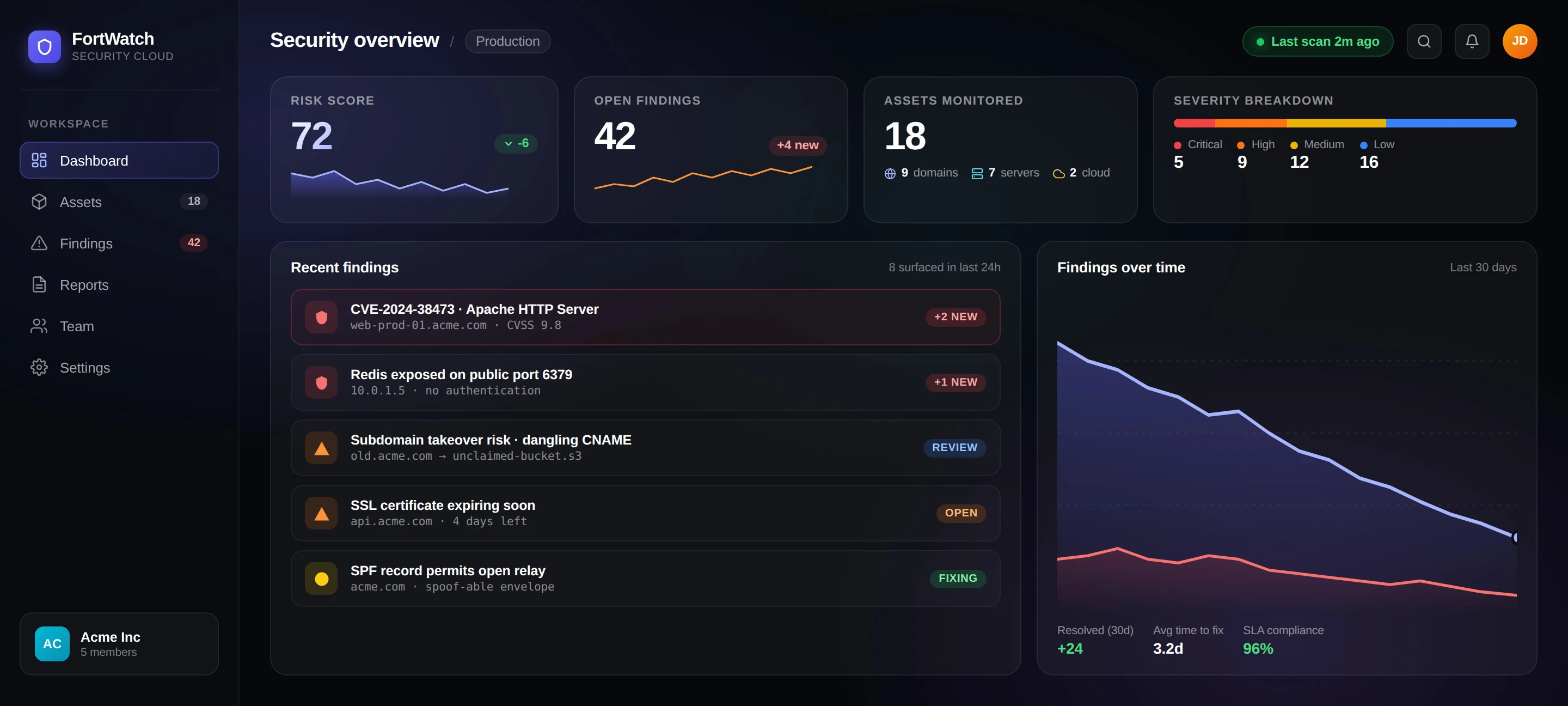
Every capability of the platform, callable from one chat box.
Not just answers — real actions: scans, schedules, triage, team changes.
Every call and action logged — workspace-scoped, role-gated, confirmed.
Start scanning in under 5 minutes. No credit card required. 7-day free trial included.